01
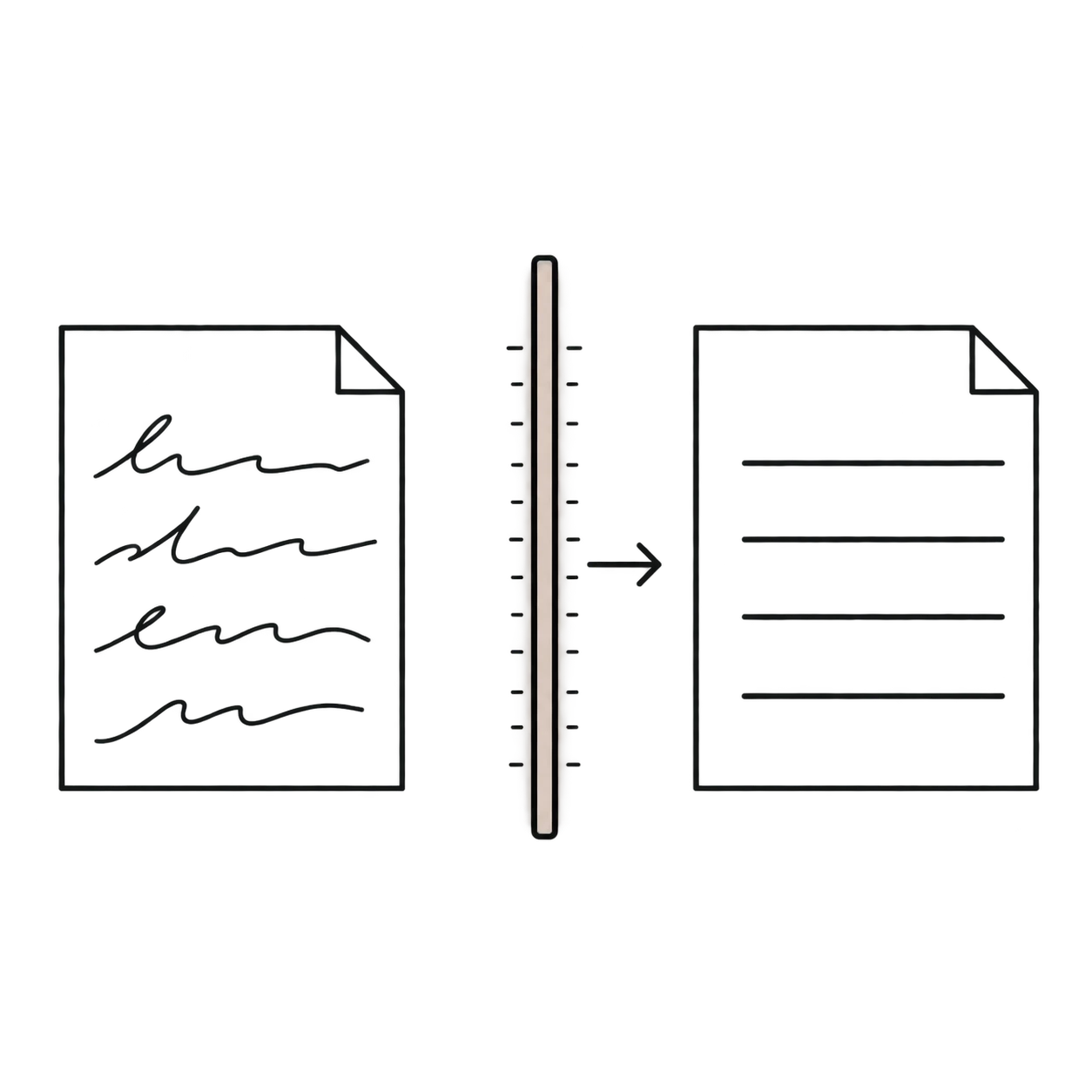
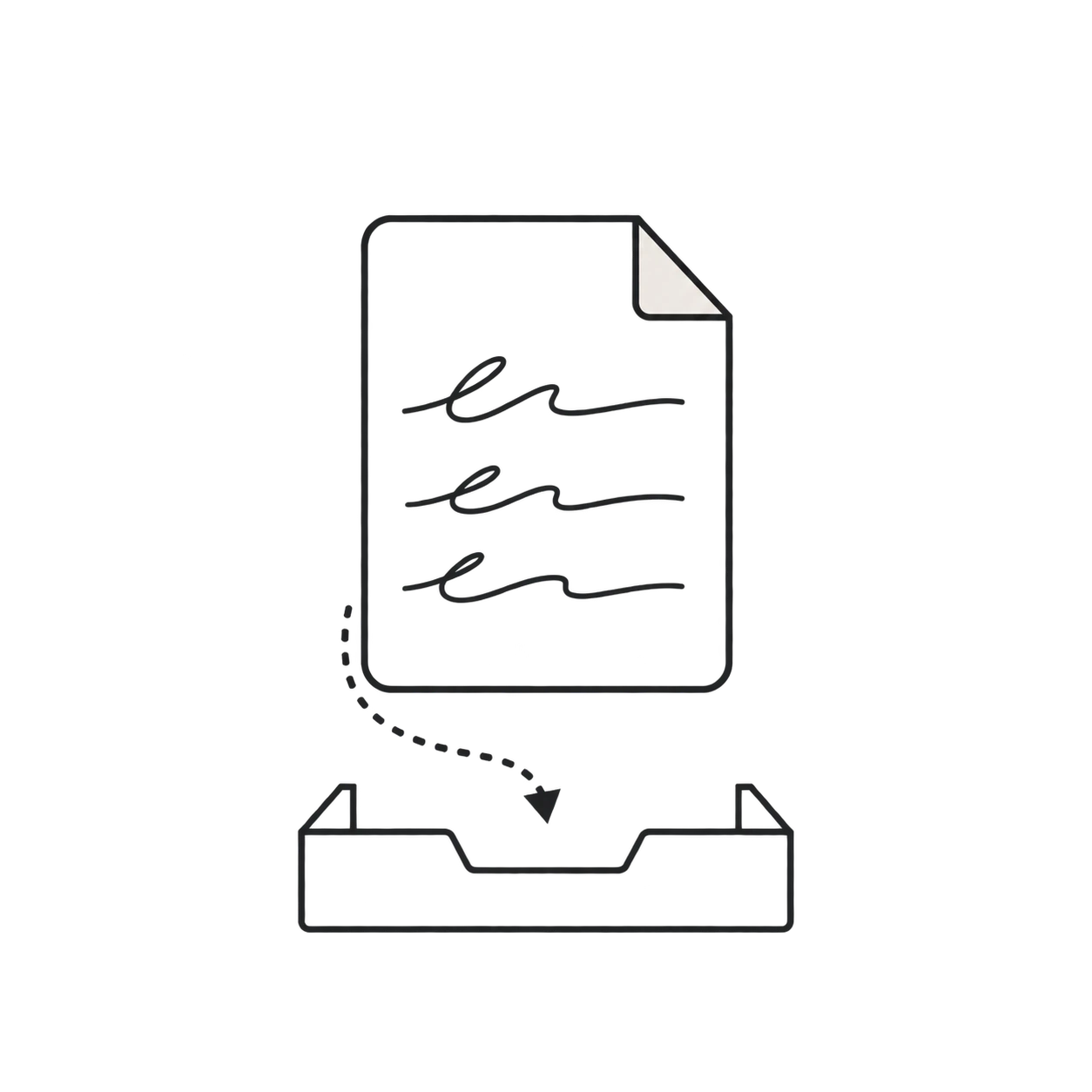
Upload the PDF
Choose a PDF containing scanned or photographed cursive pages. Free usage supports one page per PDF.
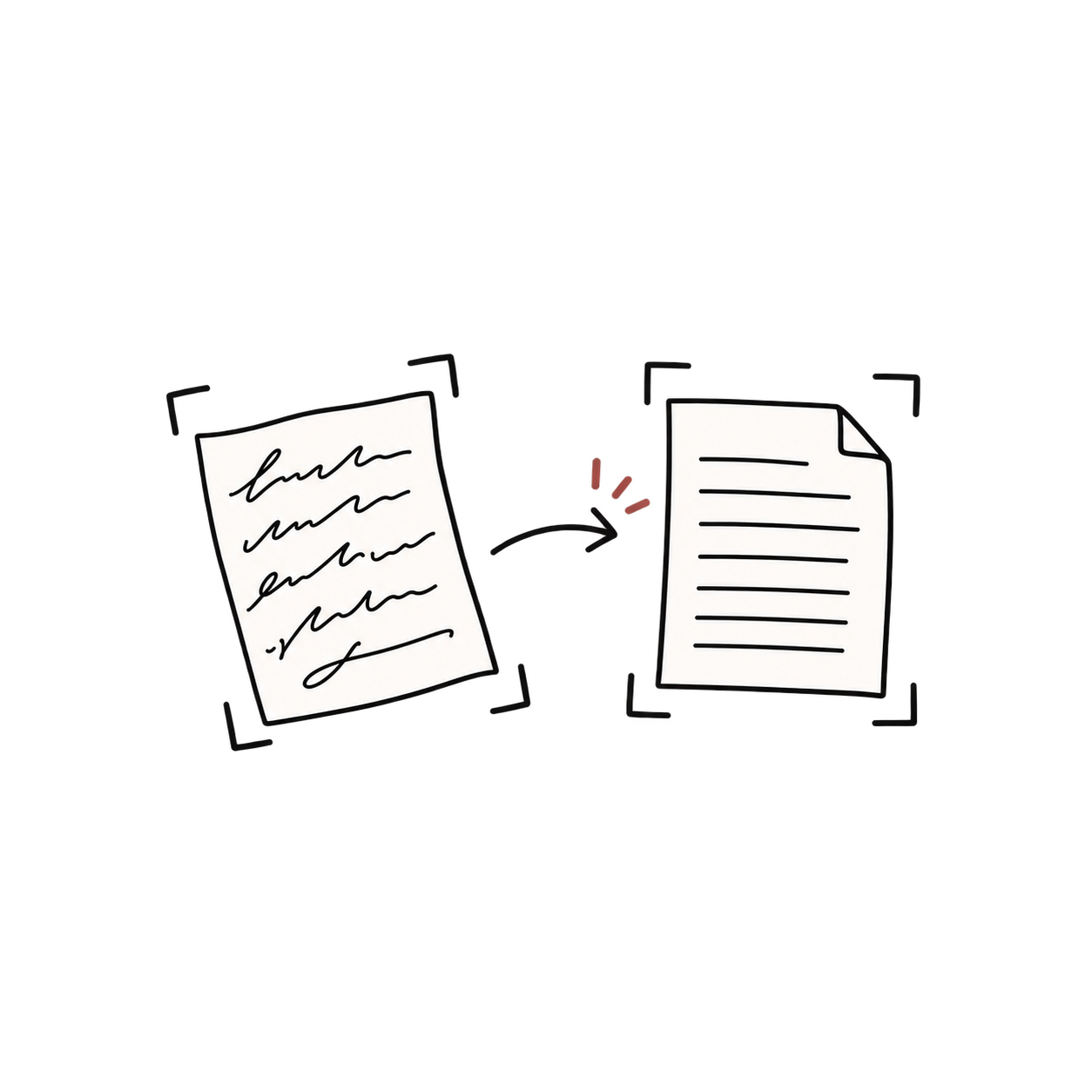
Upload a scanned handwritten PDF and transcribe its cursive pages in order. Review, edit, and download the resulting text page by page.
or drag and drop a file
JPG, PNG, WebP, HEIC or PDF · Up to 10 MB
Handwritten PDF OCR
Turn scanned handwriting into page-by-page text without separating the PDF into images yourself.
PDF pages are prepared as images for handwriting recognition before transcription begins.
Process pages in sequence so the resulting transcription follows the structure of the source PDF.
Use the same workflow for notebooks, letters, journals, field notes, and archive documents.
Upload up to 1, 10, or 50 pages at a time depending on the plan associated with your account.
Compare each transcript with its corresponding PDF page and correct uncertain passages.
Copy, search, or download the reviewed text for research, archiving, and document editing.
Standard PDF text extraction only works when a document already contains a digital text layer. Scanned letters, notebooks, and archive documents are images inside a PDF, so their handwriting must be recognized before it can be searched or edited.
01
Choose a PDF containing scanned or photographed cursive pages. Free usage supports one page per PDF.
02
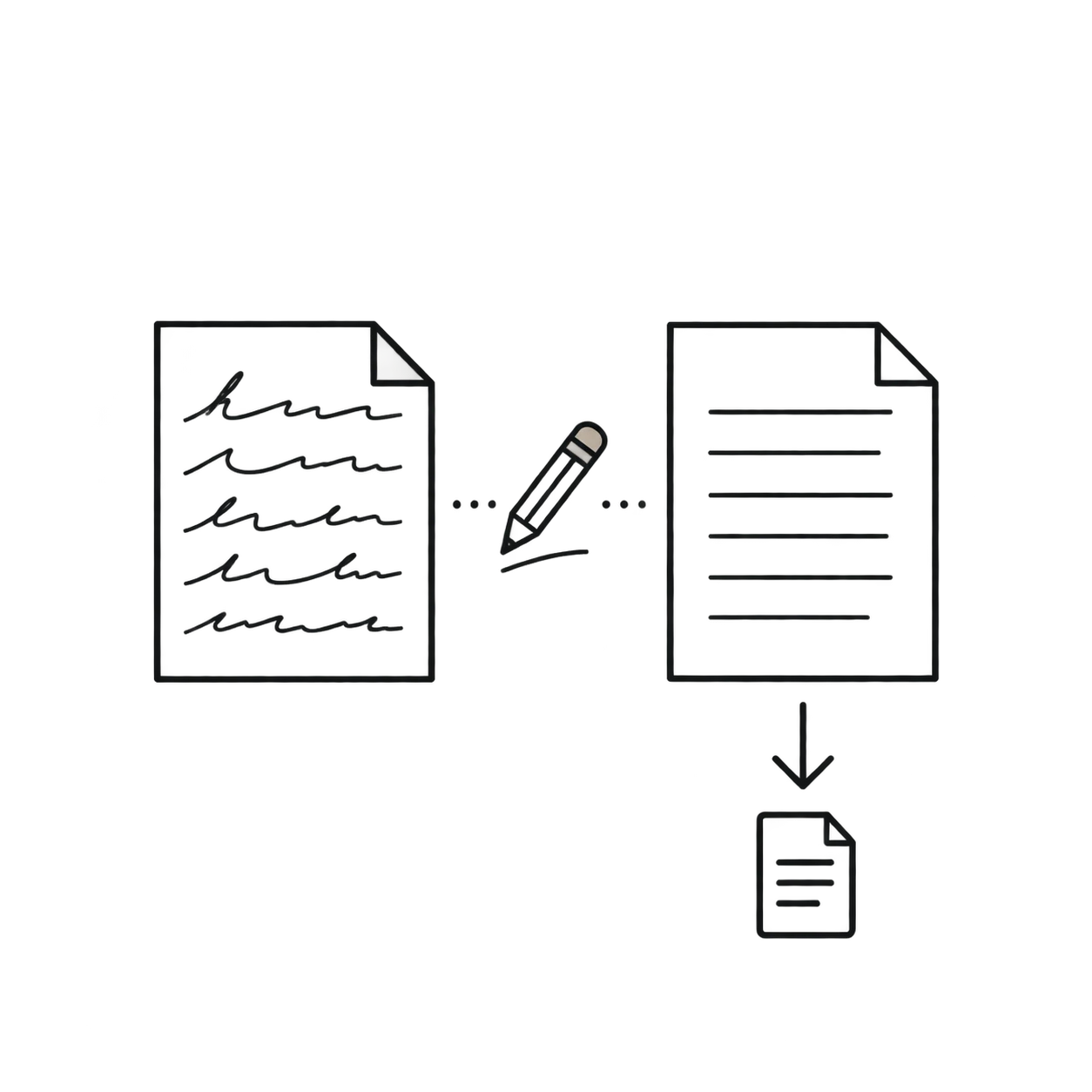
The pages are prepared for cursive OCR and processed in their original order to create a combined transcript.
03
Compare the text with the PDF, correct uncertain passages, then copy or download the transcription.
PDF examples
Compare the document types most often bundled into multi-page handwritten PDFs.
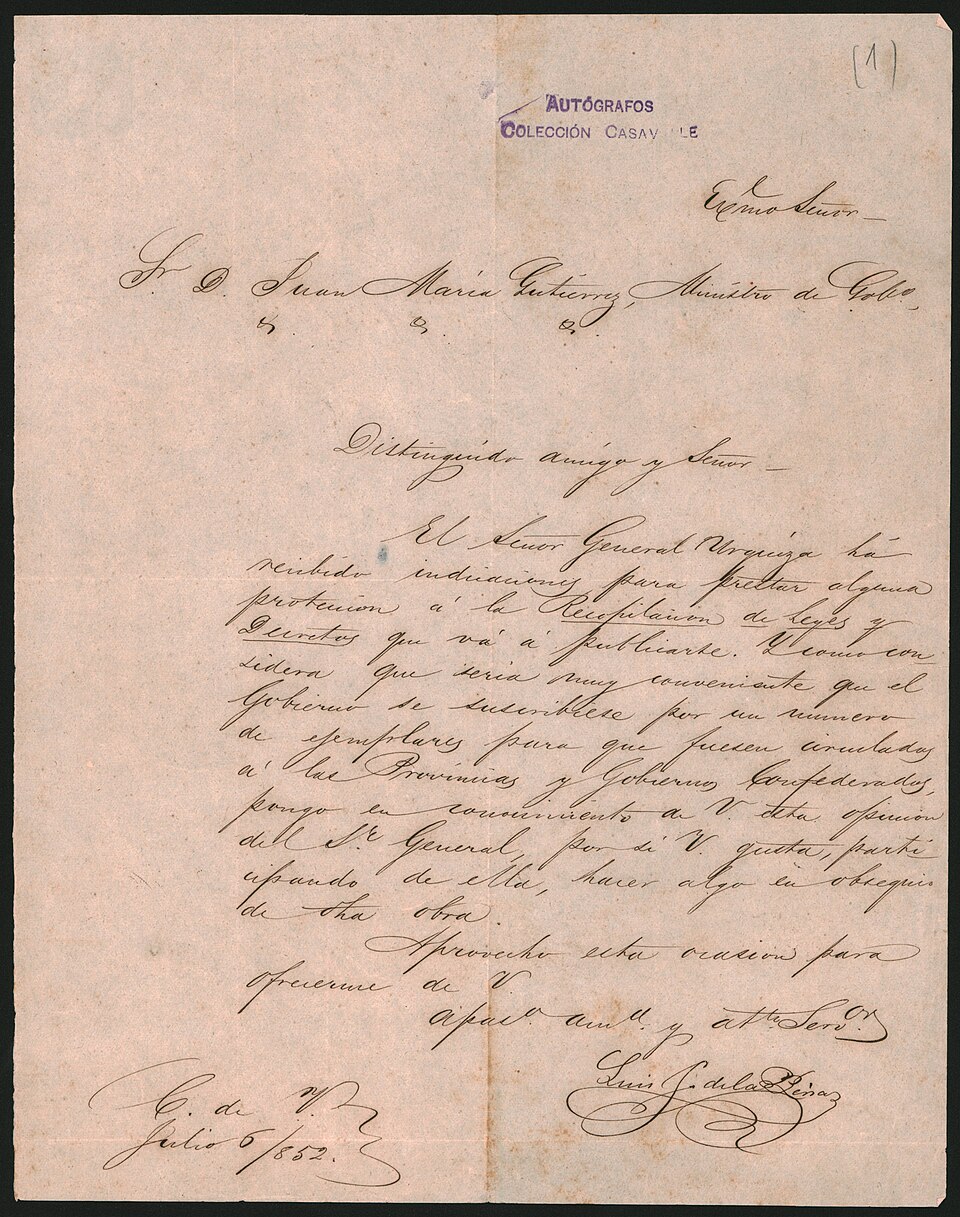
Handwritten PDF OCR
Keep multi-page handwriting together while reviewing the transcription in the same page order as the source.
Process the handwriting on each PDF page and keep the resulting text organized for review.
Correct unclear words, copy passages, search the text, or export it into your normal document workflow.
Use the same workflow for scanned notebooks, letters, journals, field notes, and archived cursive documents.
Convert batches of handwritten primary sources into page-ordered text for searching, annotation, and source comparison.
Keep class notes, lab books, meeting records, and journals together instead of uploading every page as a separate image.
Process letters that have been combined into one PDF while preserving their original page sequence for review.
Choose a focused workflow for individual images, notebook pages, old handwriting, or general document scans.
Convert cursive and printed handwriting from images and scans.
Digitize notebook pages, class notes, and meeting notes.
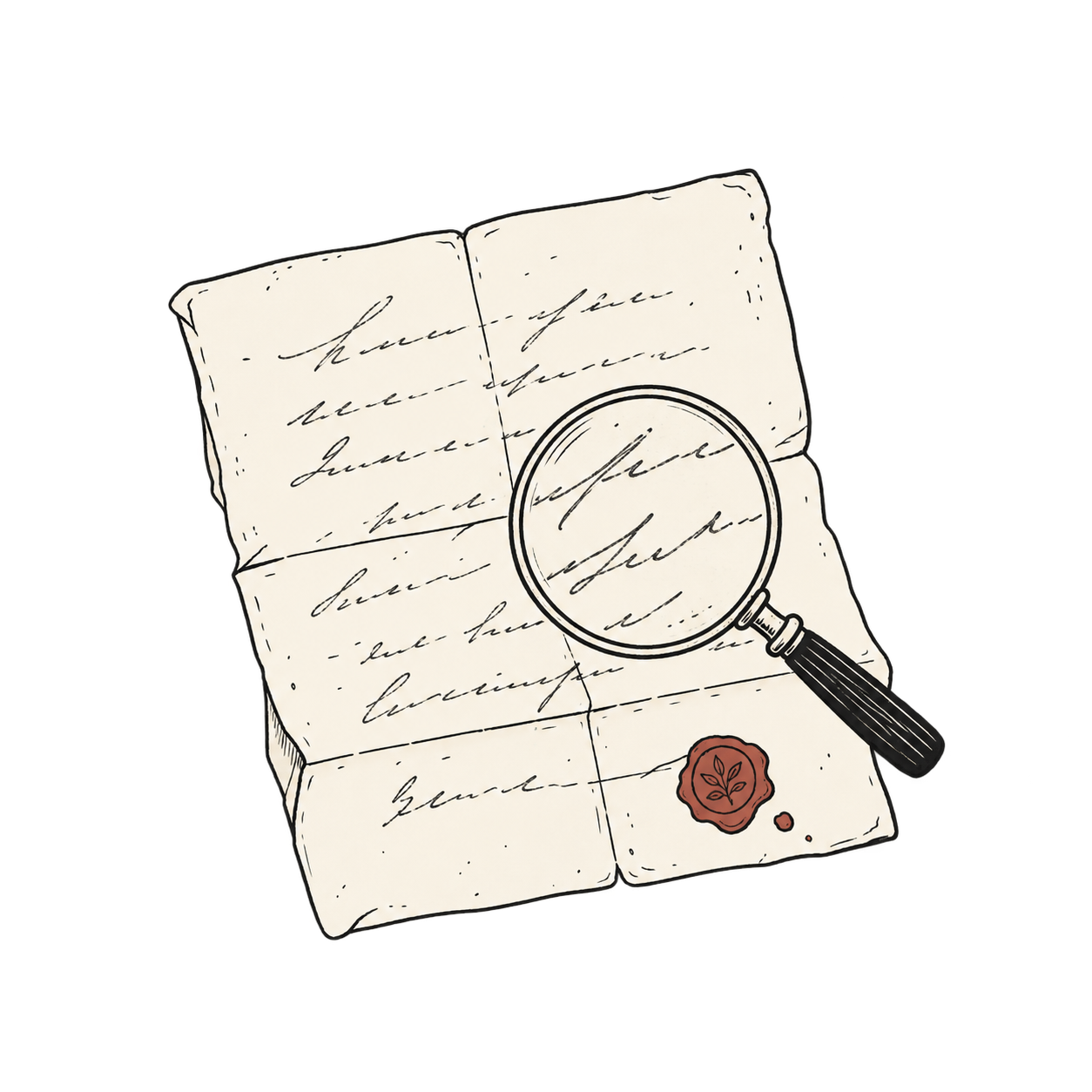
Decipher historical letters, journals, and genealogy records.
Convert cursive handwriting from individual images and photos.
FAQ
Common questions about extracting text from handwritten PDF files.
Yes. Scanned PDF pages can be rendered as images and processed with handwriting recognition to create editable text.
The free plan supports 1 page and a 10 MB PDF. Starter supports up to 10 pages and 10 MB. Pro supports up to 50 pages and 50 MB.
Yes. PDF pages are prepared and transcribed in their original sequence, and multi-page output includes page labels for easier review.
It can still process the page images, but normal PDF text extraction may be faster when the existing text layer is already accurate.
It may recognize mixed pages, but results depend on layout and image quality. Review headings, tables, marginal notes, and unusual formatting carefully.
Yes. After processing, you can review the transcript and use the available copy or export options for your workflow.
No. The browser prepares supported PDF pages as images for handwriting recognition and keeps them in their original order during processing.
Yes. JPG, PNG, WebP, HEIC, and HEIF images are supported in addition to PDFs, although the general handwriting tool may be a clearer fit for individual images.
Upload a scanned handwritten PDF and transcribe its cursive pages in order. Review, edit, and download the resulting text page by page.