01
Capture the page
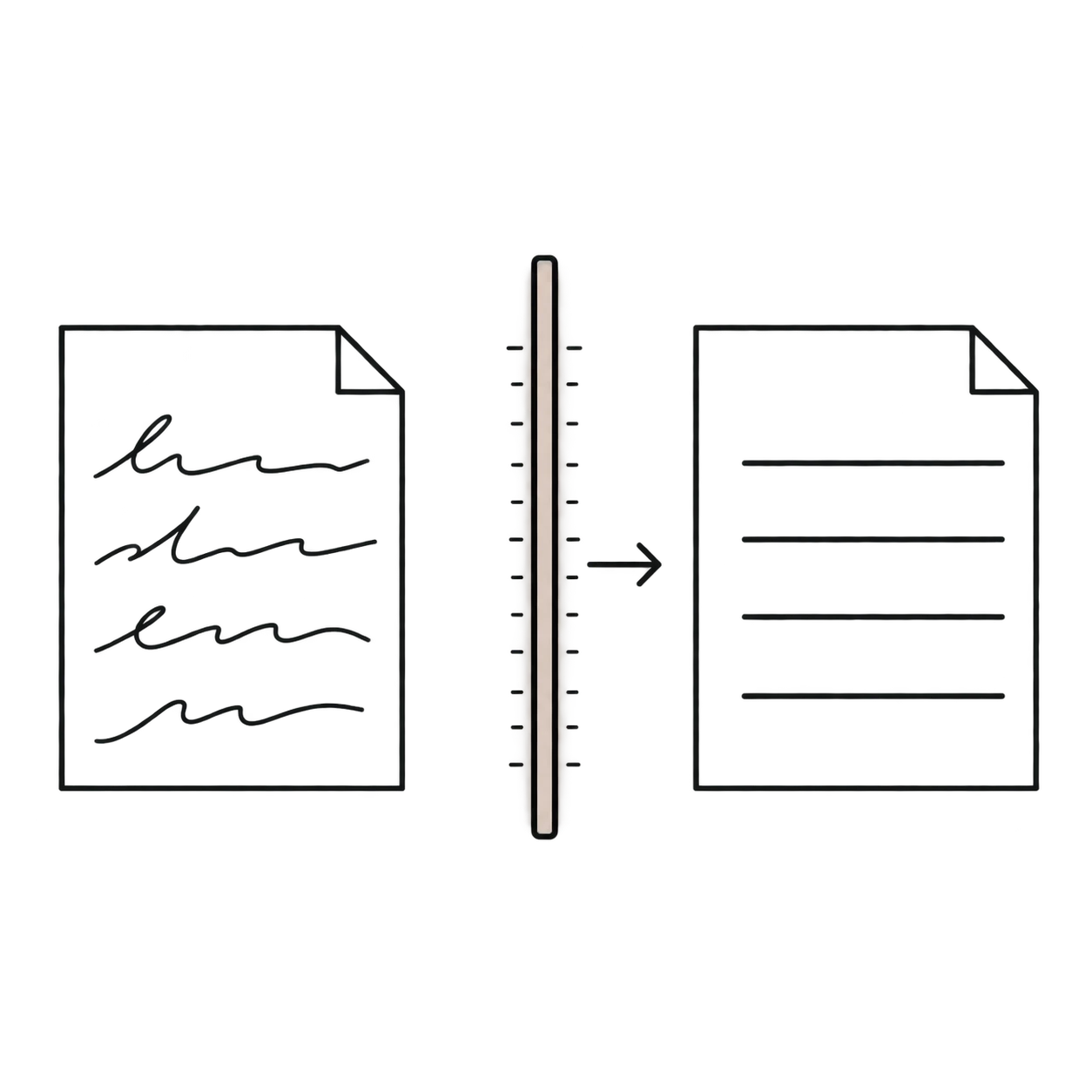
Take a clear overhead photo or scan the notebook page. Flatten curved pages and avoid covering the margins.
Upload notebook pages, class notes, meeting notes, or handwritten drafts and turn them into editable text you can review, organize, copy, and export.
or drag and drop a file
JPG, PNG, WebP, HEIC or PDF · Up to 10 MB
Note transcription
Create an editable first draft from notebook pages while preserving the original notes for comparison.
Use clear phone photos or scans of lined, unlined, bound, or loose handwritten pages.
Digitize lecture notes, revision pages, reading notes, and handwritten study materials.
Convert handwritten minutes, action items, interview notes, and field observations into text.
Keep related notebook pages together by uploading several images or one multi-page PDF.
Review headings, abbreviations, names, and symbols before organizing or exporting the result.
Read notes containing connected cursive, separated letters, or a mixture of writing styles.
Retyping a notebook page is slow and makes it easy to skip details. A handwritten-notes converter creates a digital first draft from your image or PDF, while keeping the original page available for comparison.
01
Take a clear overhead photo or scan the notebook page. Flatten curved pages and avoid covering the margins.
02
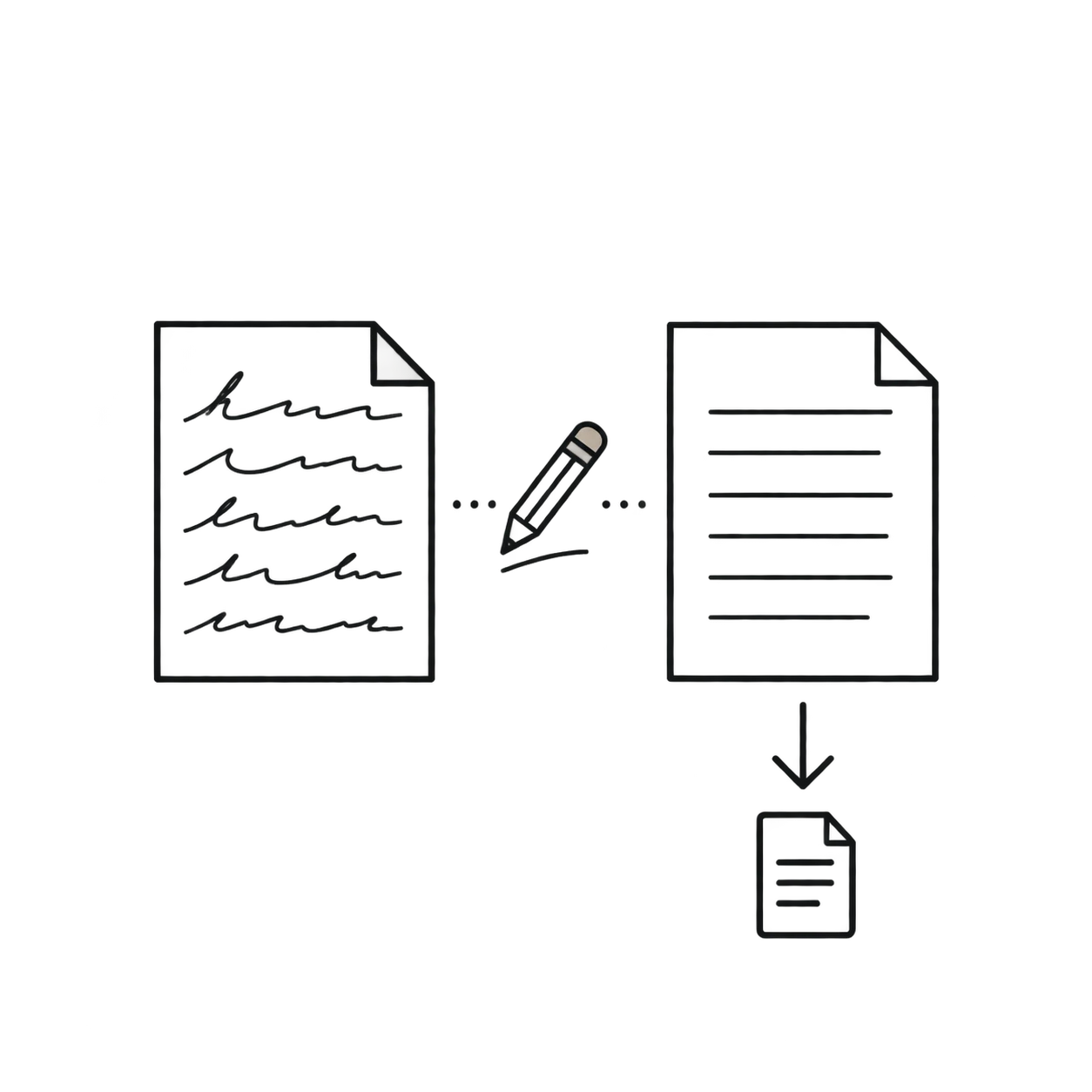
Add one or more images, or upload a PDF containing the handwritten pages you want to convert.
03
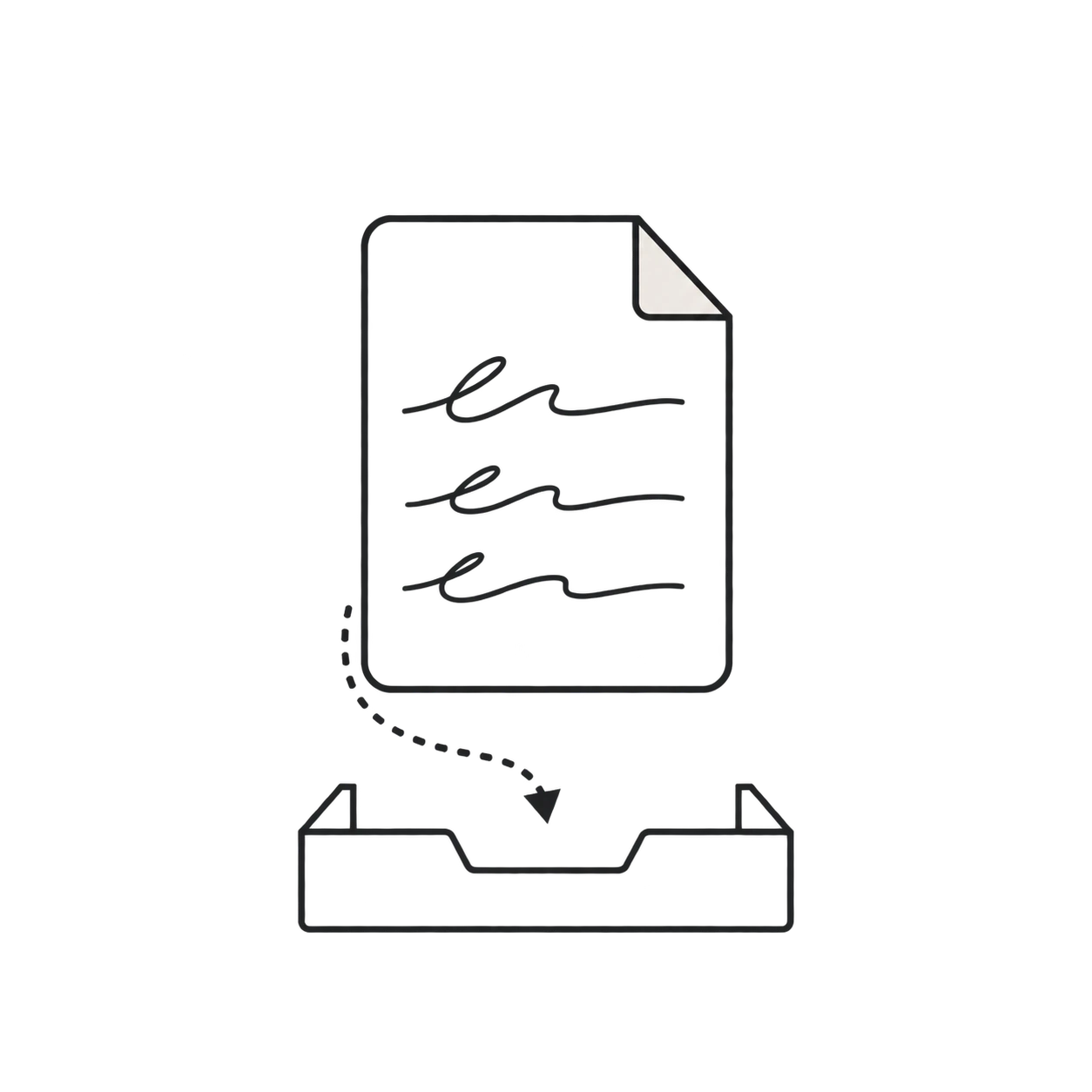
Check headings, abbreviations, names, and symbols, then copy or export the corrected text.
Note examples
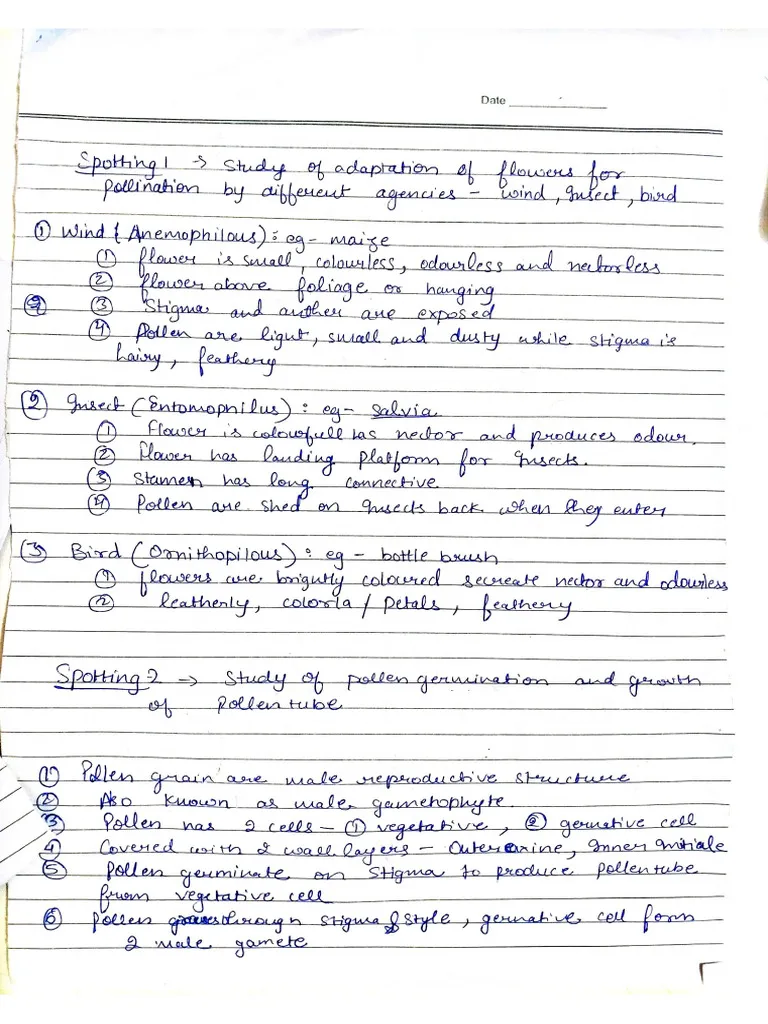
Compare structured study notes and less predictable field notes with clean, editable text.
AI Note Transcription
Retyping a notebook page is slow and makes it easy to skip details. A handwritten-notes converter creates a digital first draft from your image or PDF, while keeping the original page available for comparison.
Convert class notes and revision pages into searchable text for summaries, study documents, and shared materials.
Digitize action items, interviews, observations, and research notes while the original context is still fresh.
Move handwritten outlines, journal entries, and rough drafts into an editable document without starting over.
Turn observation notes, interview pages, and research logs into searchable text while retaining the source for verification.
Digitize workshop notes, planning sessions, action lists, and whiteboard follow-ups so they can be shared with the team.
Convert handwritten lists, reading notes, recipes, and journal pages into text that is easier to store and find.
Choose a focused workflow for general handwriting, historical records, cursive pages, or multi-page PDFs.
Convert cursive and printed handwriting from images and scans.
Process multi-page handwritten PDF documents in page order.
Read historical letters, journals, archive scans, and genealogy records.
Read connected cursive handwriting and create editable text.
FAQ
Questions about turning notebook pages and handwritten notes into typed text.
Photograph or scan the page, upload the image or PDF, and review the generated transcription before copying or exporting it.
Yes. You can upload multiple images or a multi-page PDF within the file and page limits of your plan.
The transcription may retain some structure, but unusual indentation, diagrams, arrows, and complex layouts can require manual formatting.
It can attempt difficult handwriting, but rushed writing, overlapping lines, abbreviations, and low-quality photos will require more review.
Yes. The recognition workflow is designed for cursive as well as separated handwriting, subject to legibility and image quality.
Yes. A sharp, evenly lit overhead phone photo is usually suitable when the page is flat and all writing is visible.
You can upload JPG, PNG, WebP, HEIC, and HEIF images or a PDF containing one or more notebook pages, subject to your plan limits.
Yes. Review the text first, then download it as a plain text, Word, or Markdown file for your notes app or document workflow.
Upload notebook pages, class notes, meeting notes, or handwritten drafts and turn them into editable text you can review, organize, copy, and export.