01
Choose a clear file
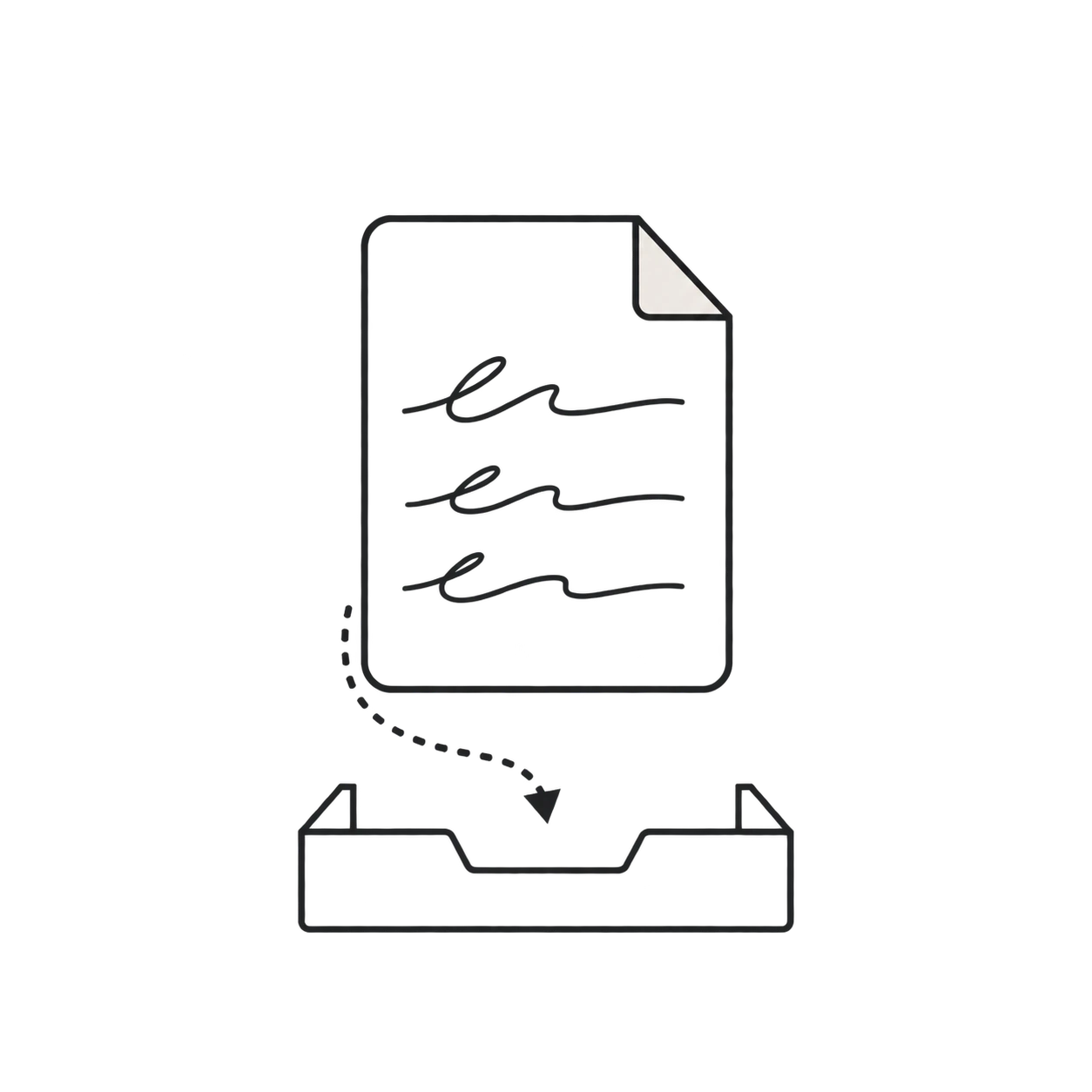
Upload a well-lit photo, a straight scan, or a PDF with readable handwritten pages.
Upload a photo, scan, or PDF of handwritten text and turn cursive or print into an editable transcription you can review, copy, and export.
or drag and drop a file
JPG, PNG, WebP, HEIC or PDF · Up to 10 MB
Handwriting OCR
Convert personal handwriting into a practical first draft while keeping the original page available for review.
Read connected cursive, separated handwriting, and pages that combine more than one writing style.
Upload phone photos, screenshots, flatbed scans, or image-based PDF documents in one workflow.
Turn handwriting into digital text you can correct, search, copy, and use in another document.
Process several images or PDF pages together within the upload limits included with your plan.
Keep the handwritten page visible while checking uncertain words, names, numbers, and abbreviations.
Export the reviewed result for notes, records, research, archiving, or further editing.
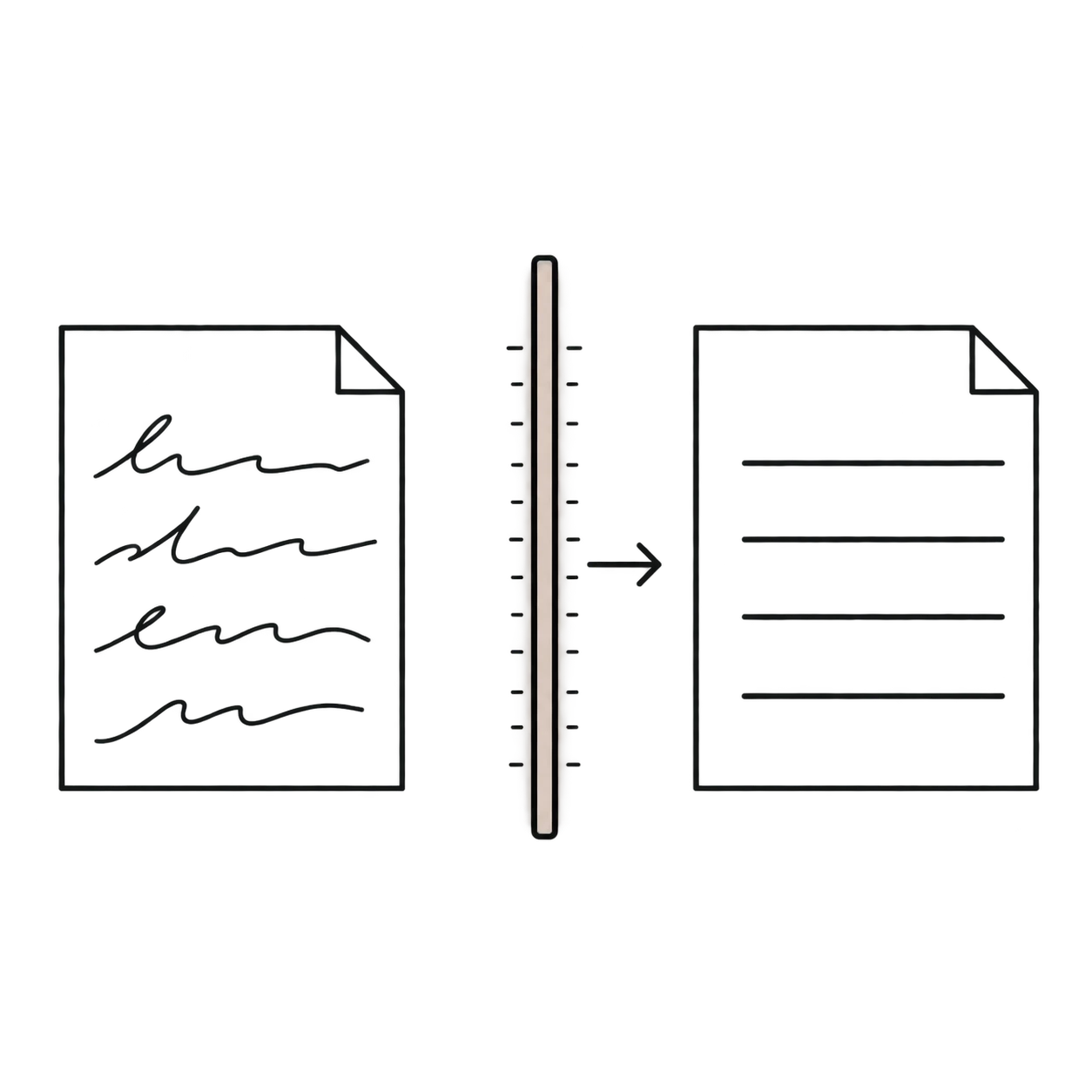
Handwriting-to-text conversion uses optical character recognition designed for handwritten letterforms. Unlike ordinary OCR that mainly expects printed type, handwriting recognition must interpret differences in shape, spacing, slant, and writing style.
01
Upload a well-lit photo, a straight scan, or a PDF with readable handwritten pages.
02
The handwriting recognizer examines lines and letterforms, then creates an editable transcription.
03
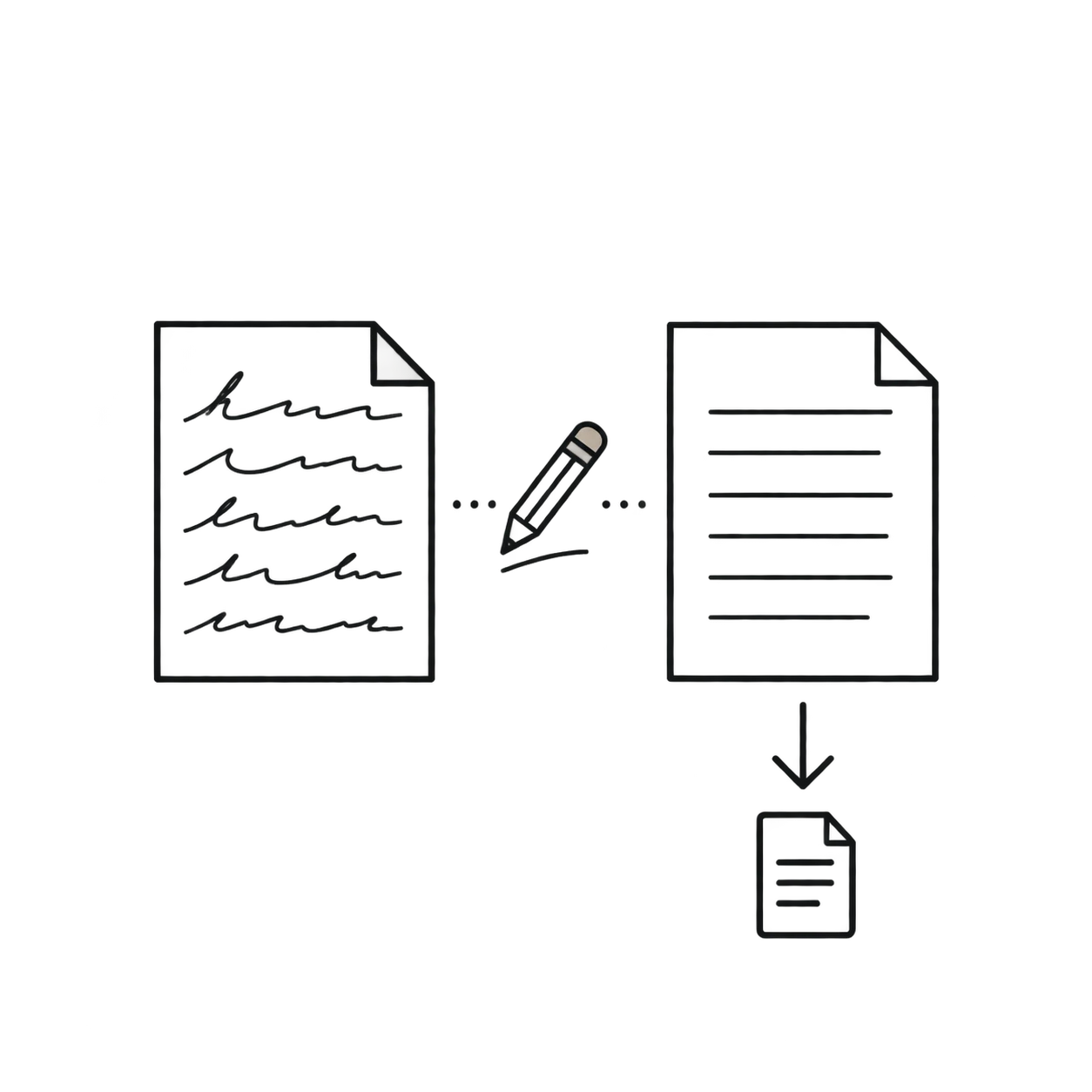
Compare unclear passages with the source, correct them, then copy or export the finished text.
Document examples
Compare four common handwriting sources with the editable text produced by the reader.
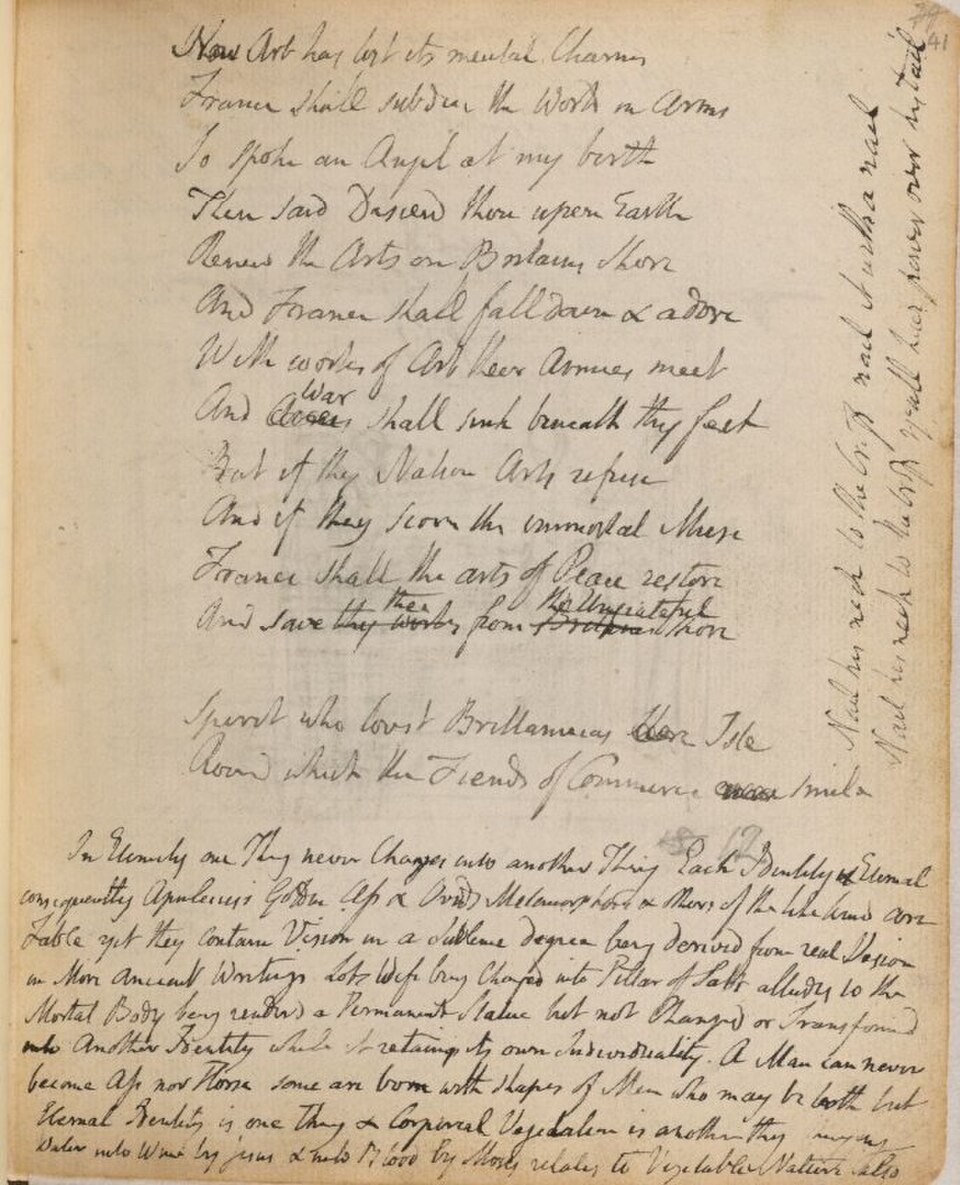
AI Handwriting Recognition
Use one workflow for everyday handwriting, connected cursive, and scanned handwritten pages.
Digitize class notes, meeting notes, lists, and rough drafts so they are easier to search and organize.
Read connected letterforms in personal letters, journals, annotations, and other cursive documents.
Extract handwriting from phone photos, flatbed scans, screenshots, and image-based PDF pages.
Create an editable draft from handwritten responses, logs, labels, and research notes for later review.
Transcribe correspondence, diary pages, annotations, and family documents while keeping the original wording available for review.
Create searchable text from historical scans, interview notes, lab books, and other handwritten primary sources.
Choose a focused workflow for notes, historical documents, cursive pages, or multi-page PDFs.
Digitize class notes, meeting notes, and notebook pages.
Read historical letters, journals, and genealogy records.
Convert multi-page handwritten PDF files into editable text.
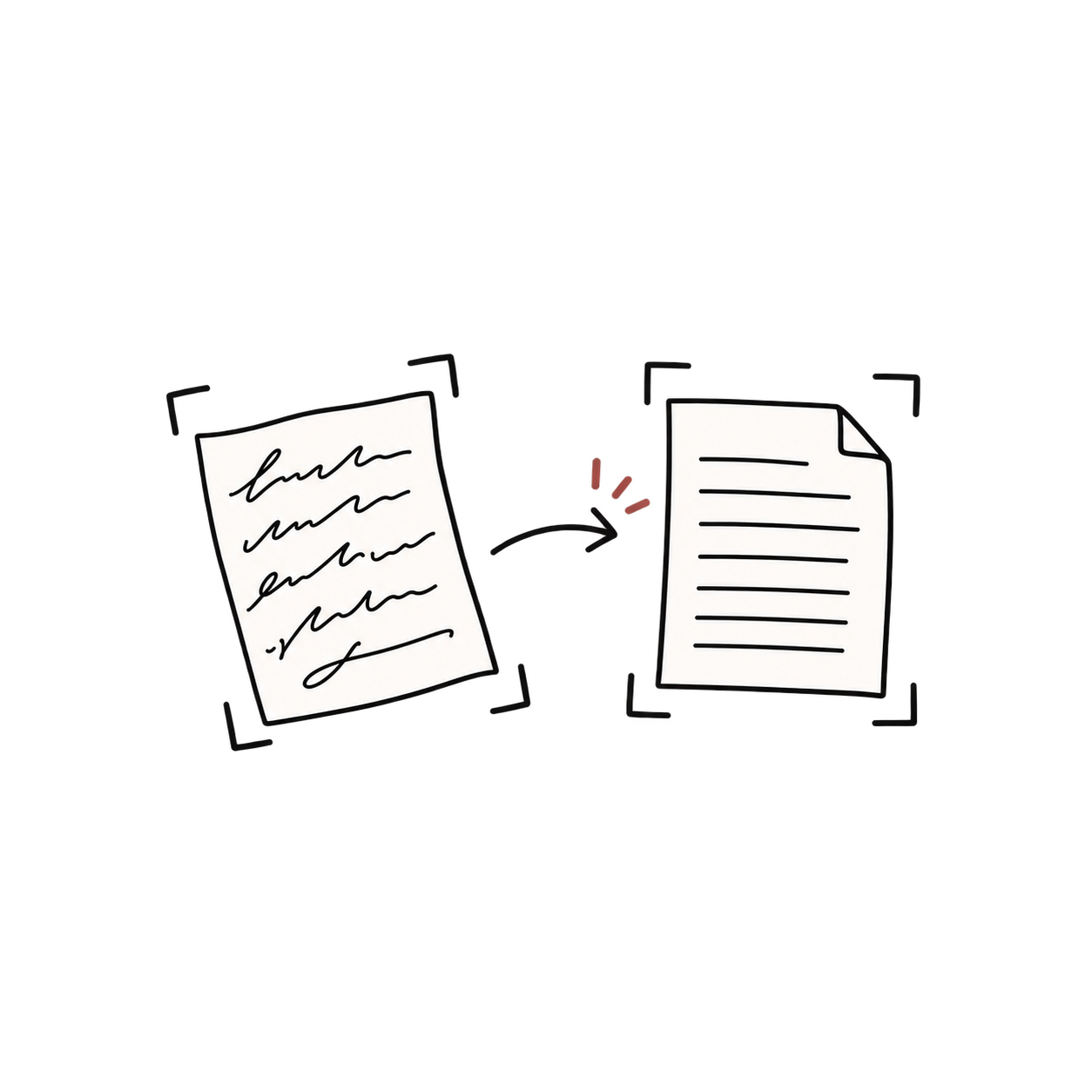
Read connected cursive handwriting from photos, scans, and PDFs.
FAQ
Common questions about online handwriting recognition.
Yes. Handwriting recognition analyzes a photographed or scanned page and returns digital text that you can review and edit.
It can process connected cursive and separated printed handwriting. Results vary with legibility, layout, language, and image quality.
Yes. Take the photo in even light, keep the camera parallel to the page, and confirm that the writing remains sharp when you zoom in.
Yes. Image-based PDF pages can be prepared for handwriting recognition and converted into page-by-page text within your plan limits.
Personal letter shapes, unclear spacing, faded ink, blur, and unfamiliar names can create ambiguity. Compare uncertain words with the original page.
No. The converter runs online in a web browser on desktop, phone, and tablet devices.
You can upload JPG, PNG, WebP, HEIC, and HEIF images, as well as PDF files. File size, file count, and PDF page limits depend on your plan.
Yes. After reviewing the transcription, you can download it as a plain text, Word, or Markdown file for editing and reuse.
Upload a photo, scan, or PDF of handwritten text and turn cursive or print into an editable transcription you can review, copy, and export.